How to remove a tag?
Tags can be useful in Jobrock to easily filter or find created content in Jobrock (like appointment types, automations or canvas pages). This article explains how to remove a tag from Jobrock.
| IN THIS ARTICLE |
|---|
| Where to remove a tag? |
| How to remove a tag? |
Where to remove a tag?
Go to the Tags screen in te Jobrock admin module via Admin > Tags.

How to remove a tag?
-
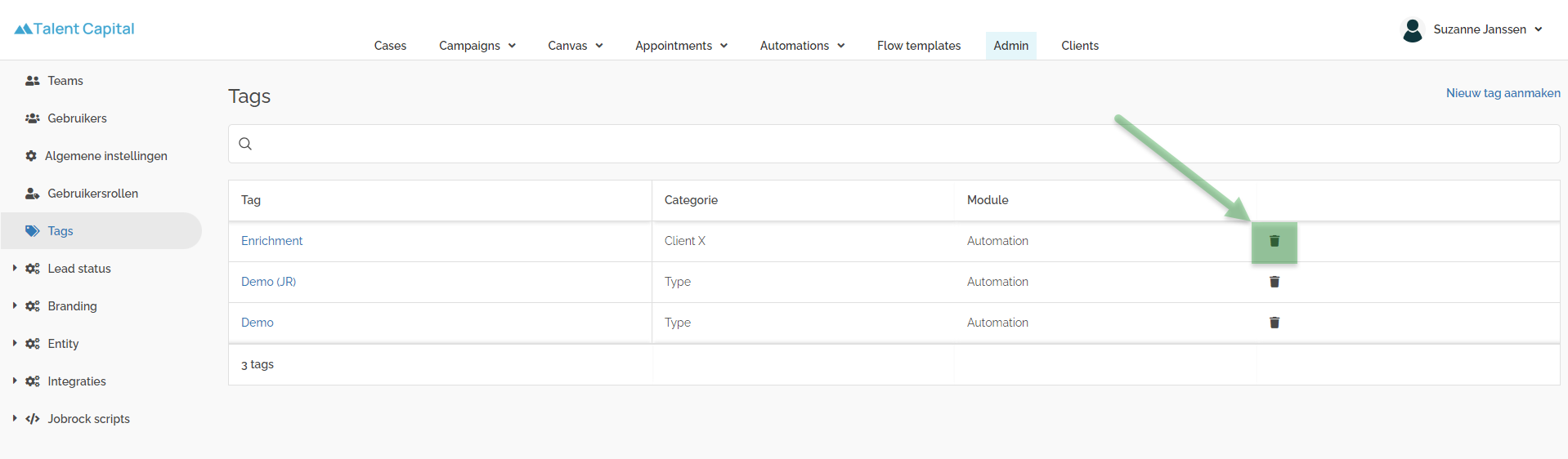
Click the Recycle bin icon in the row of the tag you would like to remove
-
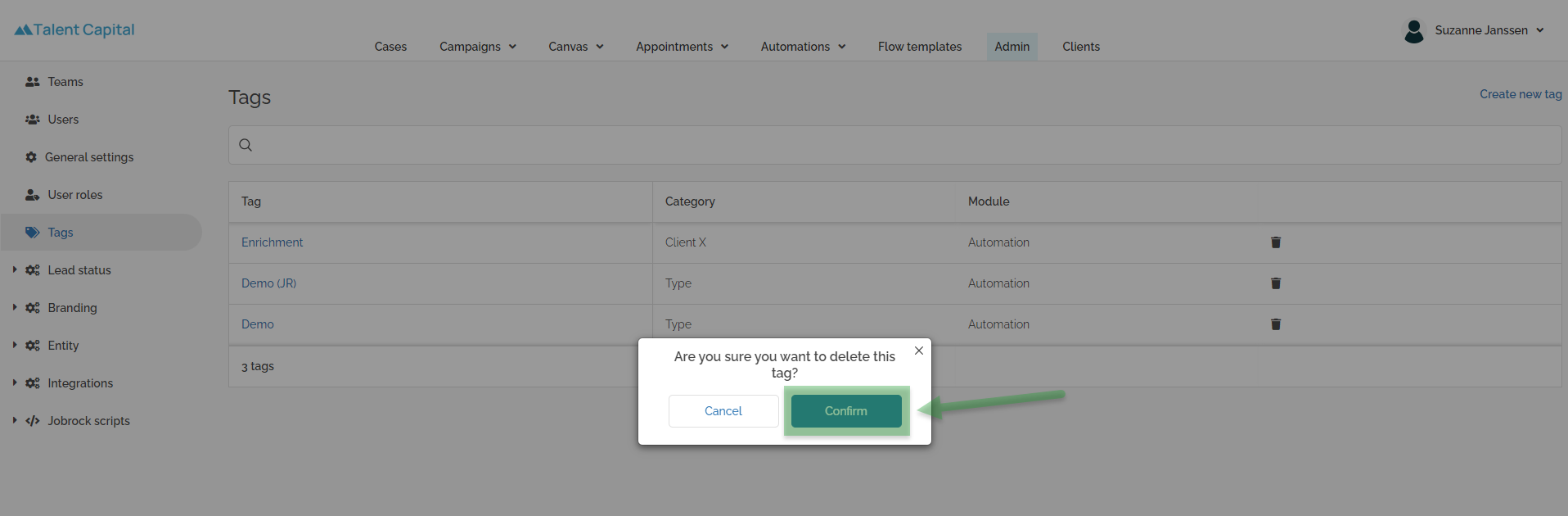
Click Confirm in the pop-up to remove the tag permanently.