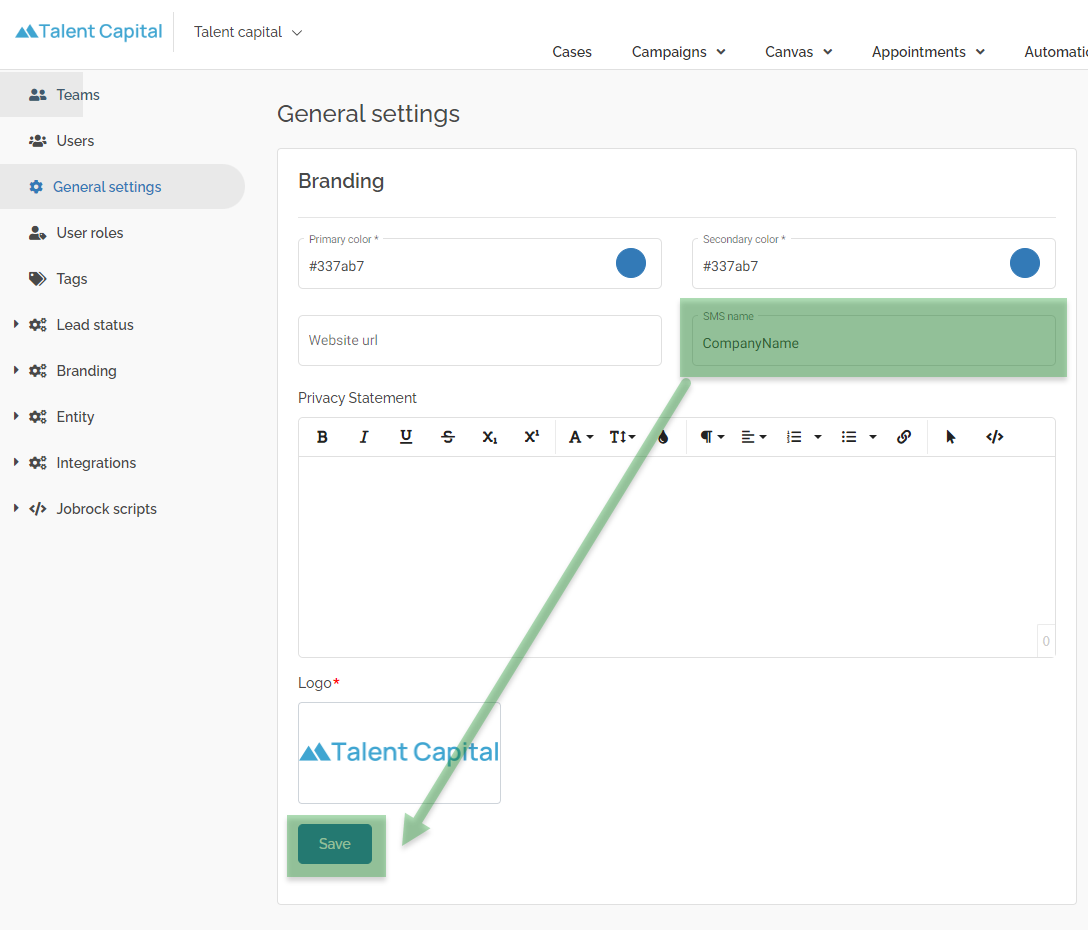
How to change SMS sender name
This article shows you how to add or update the SMS name which is used when you send SMS texts to contacts or candidates from Jobrock.
| IN THIS ARTICLE |
|---|
| Where to change the SMS sender name? |
| How to update the logo? |
Where to change the SMS sender name
Go to the General settings in the Jobrock admin module via Admin > General Settings.

How to change the SMS sender name
-
Enter your company name in the SMS name field
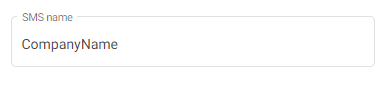
NOTE: The maxmimum number of characters for the SMS name is 11!
-
Click the Save button at the bottom of the Branding section to save you new name.